
How to Register at Daytona Spin — Six Simple Steps
The daytona spin register form is accessed from the top navigation on any page, whether desktop or mobile. The full process moves from account details through to the first deposit, with the welcome package activating automatically at the qualifying deposit stage. Players who select GBP as their account currency at registration avoid conversion fees on future transactions and enjoy direct compatibility with UK-native payment methods such as Revolut and Monzo. Below is the exact sequence for opening a new Daytona Spin account and starting to play.
Registration sequence for new UK players
- Click the Register button in the top-right corner of any Daytona Spin page.
- Complete the registration form: full name, date of birth, residential address, email address and mobile number.
- Select GBP (£) as the account currency and create a strong password of at least eight characters, mixing letters, numbers and symbols.
- Tick the age confirmation box (18 or older) and accept the terms and conditions.
- Verify the email address by clicking the confirmation link sent from Daytona Spin — check the spam folder if the message does not arrive within a few minutes.
- Log in, open the cashier and make a first deposit from £10 upward — the welcome package on the bonus page credits automatically, no promo code required.
Daytona Spin Login: Accessing the Account
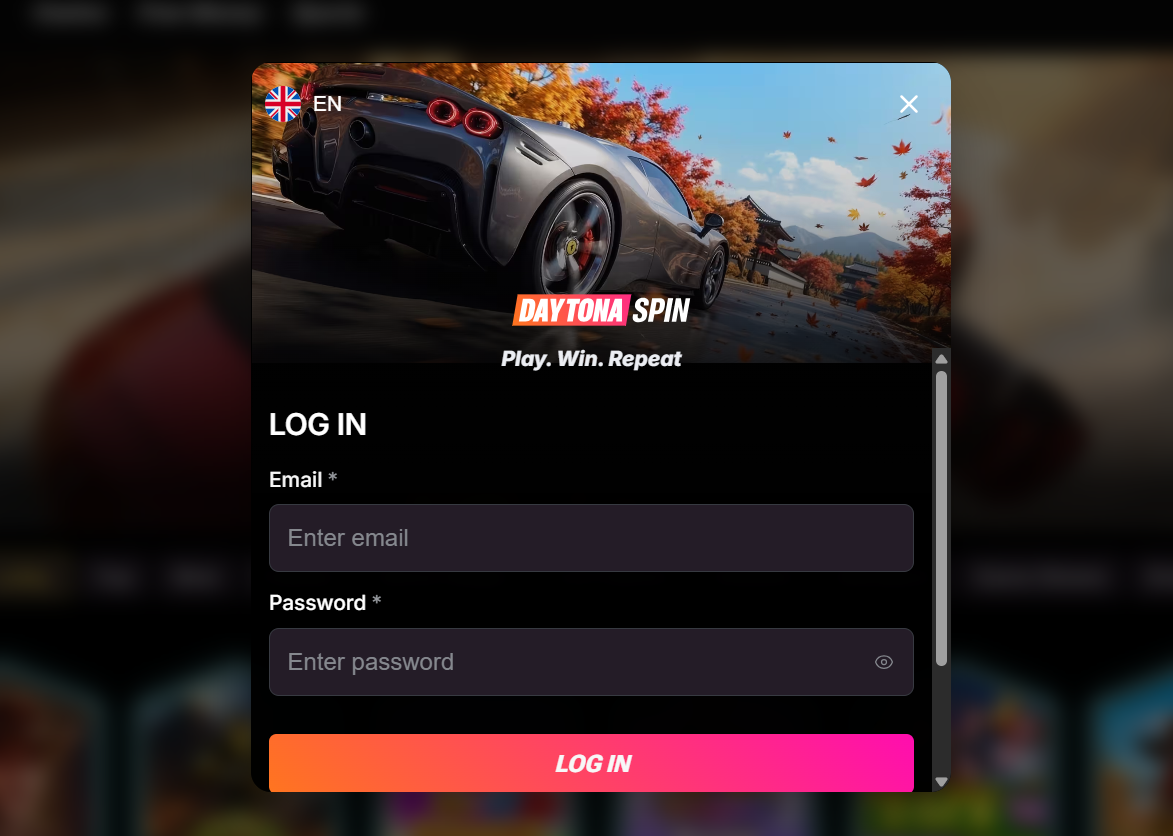
Returning players access their profile via the daytona spin login page, which sits in the top navigation on every screen. Only two fields are required: the registered email address and password. After a successful login, the account dashboard opens with the current balance, active bonuses, wagering progress, transaction history and cashier controls all in a single view. Sessions persist across devices — a login on desktop carries over to a mobile browser without a second sign-in — and inactive sessions time out automatically for security. Two-factor authentication is available in account settings and adds a one-time code step to every future login. Biometric login (Face ID or fingerprint) is supported on compatible mobile devices, with setup instructions available on the app page. For security, credentials should never be saved on shared or public computers, and Daytona Spin agents will never request a password via chat, email or phone.
KYC Verification — Documents and Timeline
KYC verification is a regulatory requirement under Anjouan AML rules — not a Daytona Spin policy choice — and applies before the first withdrawal is released, regardless of the payment method used. Cryptocurrency withdrawals are subject to the same check as card and e-wallet payouts. Registered players can upload the required documents at any time from account settings, which avoids delays at cash-out. Documents are reviewed within 24 to 72 hours during business periods, and once verified the KYC status remains valid across future withdrawals unless account details change materially. Photos must be clear, in full colour and show the full page — cropped, blurred or partially scanned copies will be rejected and require resubmission.
Documents required for Daytona Spin KYC
- Photo ID — passport, UK driving licence or national ID card, valid and unexpired
- Proof of address — utility bill, bank statement or council tax letter dated within the last 3 months
- Payment method confirmation — occasionally requested for card verification (both sides of the card, with middle digits masked)
| CRITERION | DAYTONA SPIN | CASINACHO ★ |
|---|---|---|
| Game catalogue | 8,000+ titles | 7,500+ titles |
| Live casino | 340+ live tables | 400+ Evolution tables |
| Welcome offer | £4,500 + 255 FS | £3,000 + 200 spins |
| Bonus wagering | 35x wagering | Lighter requirements |
| Crypto payouts | Cards & crypto | Fast crypto payouts |
| Sports betting | Full sportsbook | Casino-focused |
Forgot Password? Recover Account Access
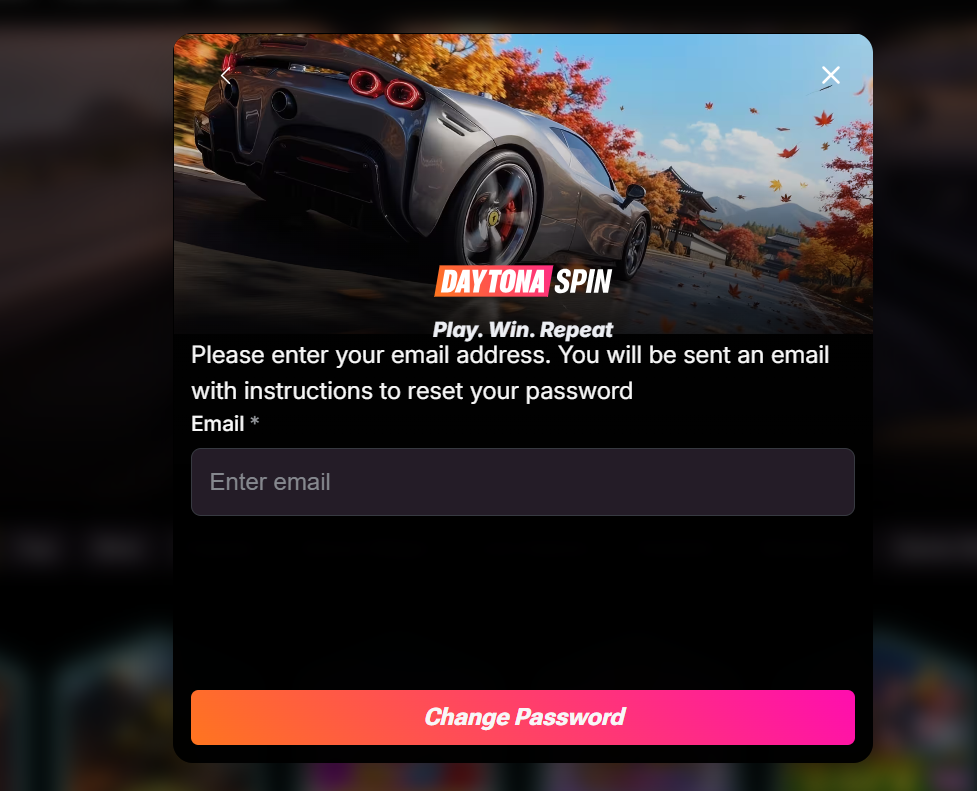
A forgotten Daytona Spin password can be reset in under a minute from the login screen. The recovery flow sends a secure reset link to the registered email address — the same one used during daytona spin register. Multiple failed login attempts trigger a temporary lock as a security measure, which lifts automatically after 15 minutes.
Password recovery sequence
- Click Forgot Password on the daytona spin login screen.
- Enter the registered email address and submit the reset request.
- Open the password reset email from Daytona Spin, follow the secure link, and set a new password.
If the reset email does not arrive within a few minutes, the spam folder should be checked first. When the email is missing entirely, 24/7 live chat can verify identity through account details and issue a manual reset.
Common Login Problems and Fixes
Occasional login issues at Daytona Spin usually fall into three categories: forgotten credentials, unverified email addresses and temporary account locks after multiple failed attempts. Each has a straightforward resolution outlined in the table below. If a problem persists after these steps, the 24/7 live chat team can verify identity through account details and restore access without requiring documents to be resent.
Common login issues and resolutions
| Symptom | Cause | Resolution |
|---|---|---|
| "Incorrect email or password" | Wrong credentials or caps lock enabled | Use the Forgot Password flow to reset |
| "Please verify your email" | Confirmation link not clicked after registration | Request a new verification email from the login screen |
| "Account temporarily locked" | Multiple failed login attempts in a short period | Wait 15 minutes or contact live chat for immediate unlock |
New players can explore the full welcome package on the bonus page or continue directly to the app page for mobile setup instructions on iOS and Android.